
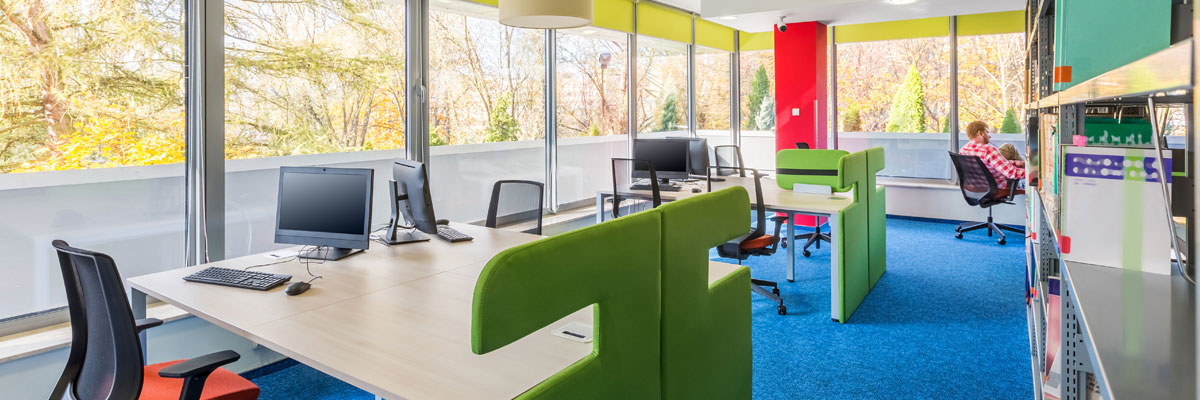
Classroom management software for education gives teachers tools to monitor student device activity, manage classroom discipline, and support collaborative learning. Teachers gain visibility into what students are viewing. They also gain the ability to control device access during instruction. This helps teachers manage diverse device populations effectively, across a full range of devices and ability levels.
What Classroom Management Software for Education Actually Does
Classroom management addresses practical challenges teachers face with technology every day. Screen monitoring lets teachers see what’s on every student device at a glance. There’s no need to walk round the room checking each one individually. Device control features let teachers lock screens, push content, or restrict access to specific apps and websites during focused work.
Software that prevents distraction while maintaining trust supports better learning environments overall. Teachers appreciate tools that let them focus on instruction, rather than constantly policing device use. Used well, classroom management software becomes a background support for teaching, not the main event.
Balancing Monitoring With Safeguarding and Trust
Classroom management software touches directly on safeguarding and online safety, so it needs careful implementation. The DfE’s filtering and monitoring core standard sets out expectations around monitoring tools. This includes clear ownership and a defined process for reviewing and acting on alerts.
Good implementation means being transparent with staff and students about what’s monitored and why. It also means giving teachers proportionate control, rather than turning every lesson into constant surveillance. The goal is a supportive environment, not one that feels punitive by default.
Choosing Software That Fits Your School
Not every classroom needs the same level of monitoring and control. Younger year groups often benefit from more restrictive settings, since students are still building digital literacy and self-regulation skills. Older students, particularly at GCSE and A-level, often need more autonomy alongside lighter-touch monitoring.
The right software adapts to these different contexts, rather than applying one fixed policy across every year group. Flexibility here makes the difference between a tool teachers actively use and one they quietly work around.
Getting the Right Setup for Your School
SchoolCare implements classroom management solutions that support teacher effectiveness without compromising safeguarding. This work often sits alongside our wider internet content filtering service. It also connects with our mobile device management support, so device control, filtering, and classroom management work together rather than as separate systems.
Learn about classroom management software for your school by contacting SchoolCare today.